
Discoverability: Unveiling Cosmic Secrets
Delve into the world of UI Animation and its capacity to guide users’ exploration, as interfaces come alive to reveal functionalities.

Overview
Discoverability takes users on an exploratory journey within the interface, using animations to unveil hidden features and information effortlessly. This principle ensures that users can easily discover and comprehend what the interface has to offer.
Discoverability animations play a crucial role in guiding users through digital interfaces, leading them to unexplored functionalities and enhancing the user experience. By implementing these animations, user engagement is heightened, and users are empowered to navigate the interface confidently.

Discoverability Guidelines

Navigating Cosmic Realms with Discoverability
1. Guided Tours
Animating guided tours can direct users’ attention to various interface elements, helping them discover new features or functionalities step by step.
Example
In an app, when a user logs in for the first time, an animated guide showcases different tools and features through sequential highlights.

2. Interactive Onboarding
Using animation during onboarding can introduce users to core interactions, making it easier for them to engage with the interface.
Example
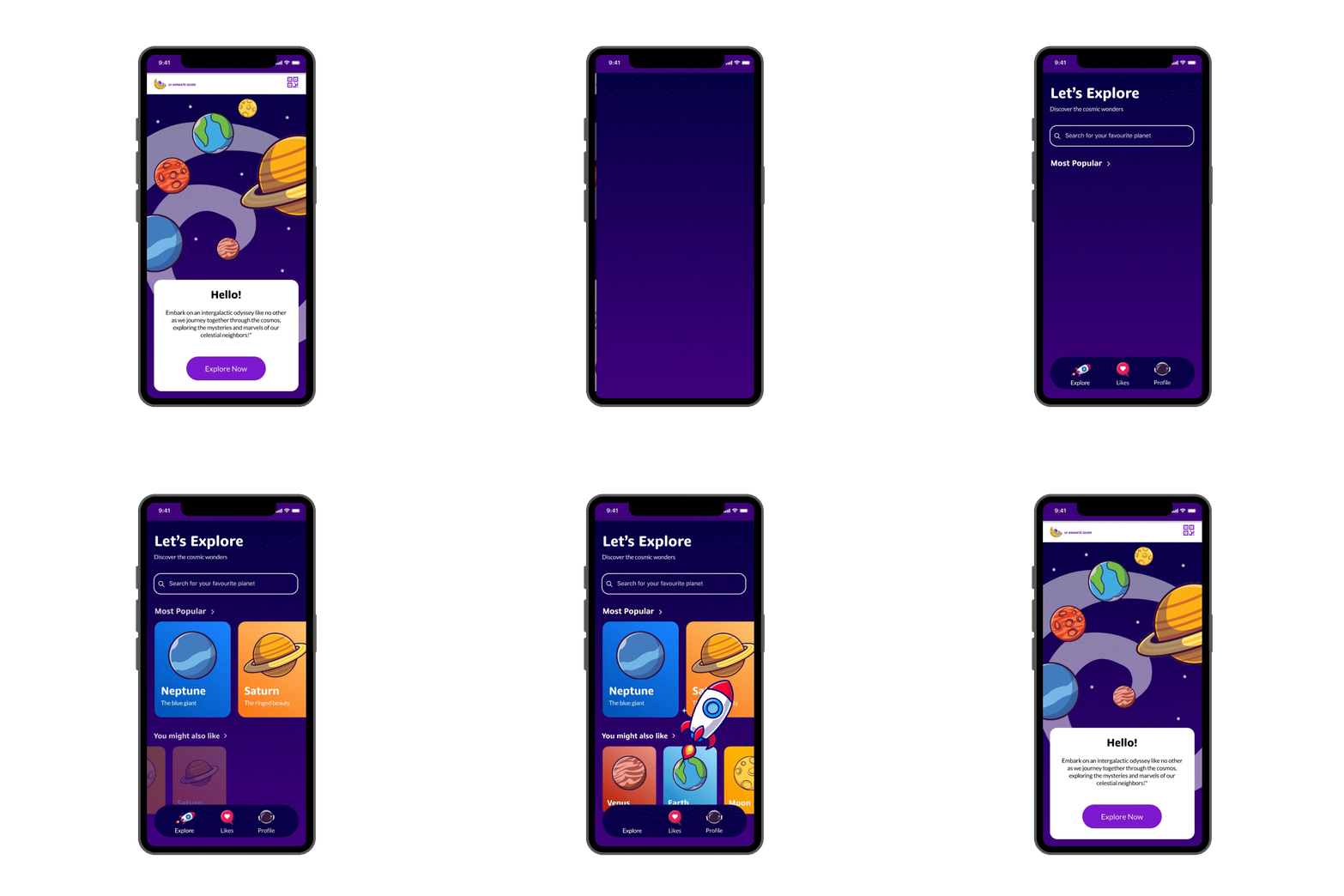
The onboarding process includes animations demonstrating what will be expected and what they will find during using the app.

3. Revealing Information
Animation can be used to progressively reveal information or tool tips when users interact with certain elements, helping them discover more about the UI.
Example
When the user selects to go to a different page a transition gradually takes them to the next page. Upon arriving on the page the information on the screen gradually slides in to showcase the information one by one.

Resource
Click on the button to go to the Discoverability Animated Example Figma File.